01 · AI design specs
Write "a slim 500 ml stainless tumbler" and the AI derives diameter and height from the volume, writes a millimeter spec, and builds the 3D model to match, with its reasoning shown as a design note.
02 · Part separation and explode motion
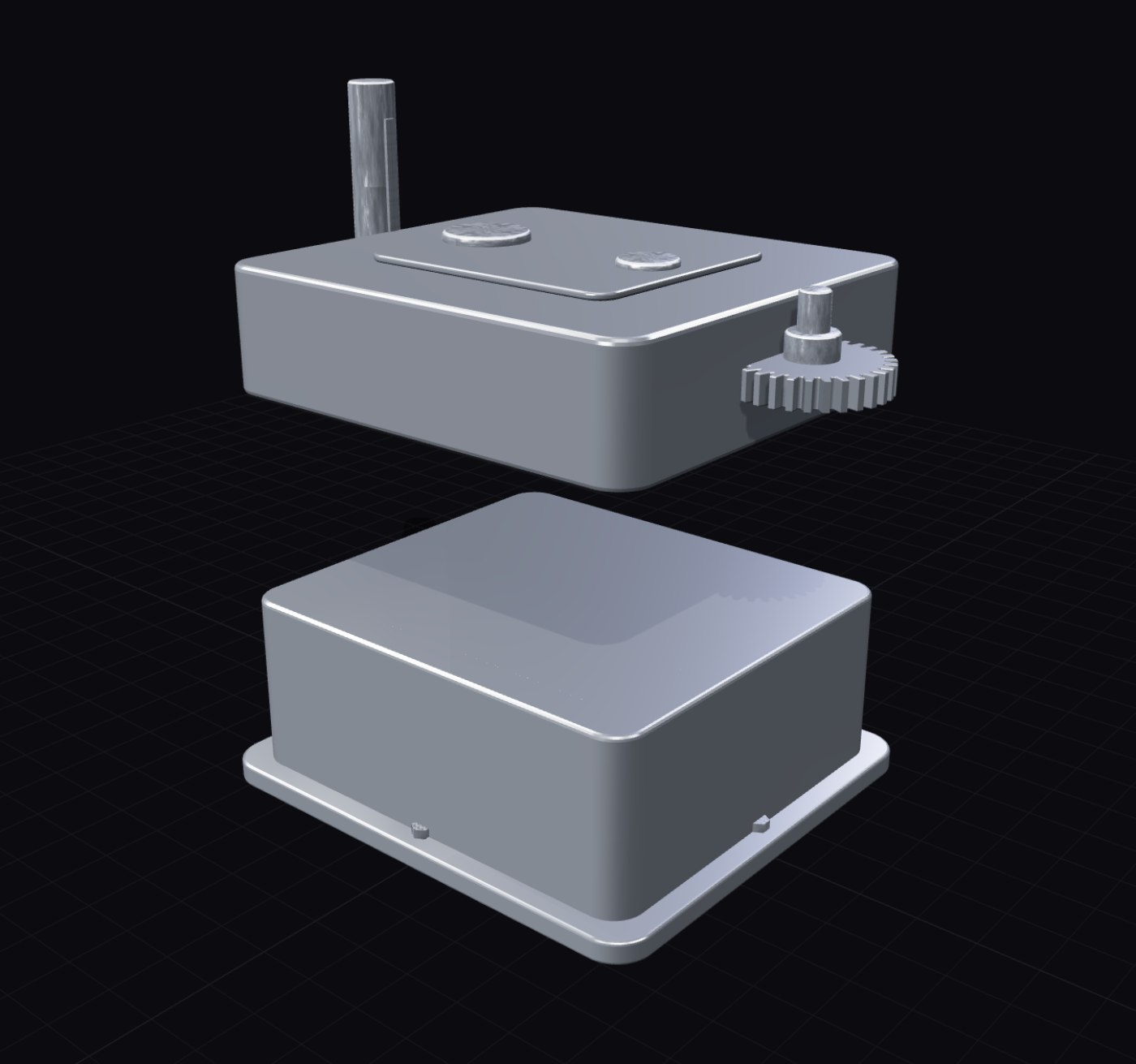
Housings, covers, shafts, and fasteners come out as a separated part tree, with explode and assemble animation, per-part visibility, and click selection.
03 · Follow-up prompt edits
Keep editing after generation: "lower it to 160 mm and make the cap black ABS". Requests are translated into parameter and material changes. Select a part to scope the edit to it.
04 · Parametric editing
Body width, wall thickness, bolt count, fillet radius: every dimension is a parameter, and related geometry recomputes together.
05 · Material library and custom textures
Apply metals, plastics, rubber, and glass per part, curated per product type. Upload your own texture maps (albedo, normal, roughness) for custom materials.
06 · 3D upload conversion
Upload your own GLB, OBJ, or STL and it joins the same pipeline: part recognition, materials, polygon optimization, and CAD conversion.
07 · CAD conversion
Export STEP (AP214) with per-part solids, layer-separated DXF, part-hierarchy GLB and OBJ, and binary STL, with a built-in verification that the export matches the viewport.
08 · Polygon optimization
Three tessellation presets and a reduction slider control triangle counts, producing lightweight and full-resolution variants from one model.
09 · Motion simulation
Functional products move: gears spin at their ratio, caps unscrew, lids open. One click in the viewer.